Tutorial 5 of 6
Light meter, magnetometer, ruler and stopwatch
Beginner 7 min
Estimate lux and exposure values, find steel with the magnetometer, measure with a card-calibrated ruler and time laps.
This tutorial covers the small instruments: Light meter, Magnetometer, Ruler and Stopwatch.
Light meter
Press Start light meter. Pocketlab uses the phone's light sensor where the browser offers it to web pages (only a few do). Otherwise it asks for the back camera and estimates the light from the camera's own exposure and the brightness of the picture — good to about a factor of two. If the browser reports no exposure data, you see only the relative brightness in percent, which is still useful to compare two places.
You can also type a lux value from another meter under Or type the illuminance (lx). Pocketlab then shows the exposure value at ISO 100, a comparison ("a bright office or a workbench lamp") and shutter speeds for common apertures at the ISO you choose.
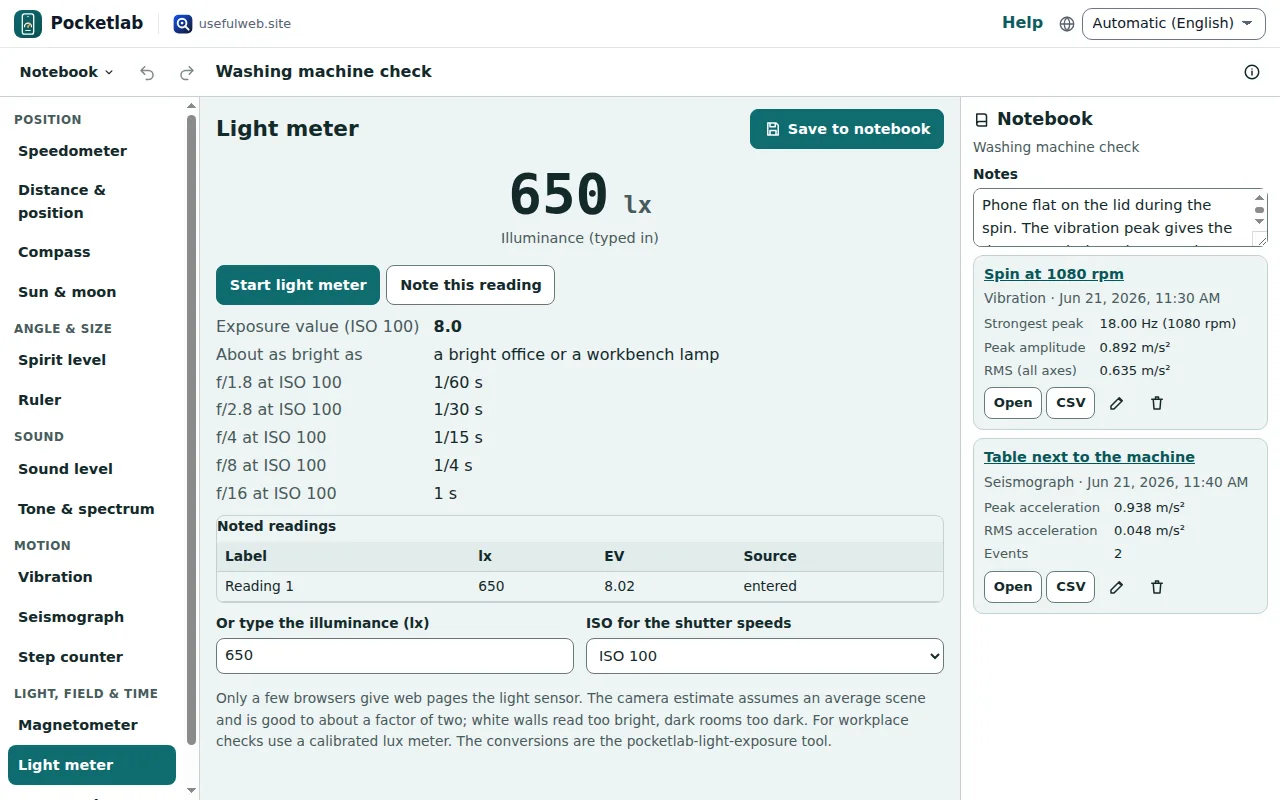
The camera stops when you press Stop, switch instrument or hide the tab; no picture is stored. The conversions are the pocketlab-light-exposure tool. For workplace checks use a calibrated lux meter.
Magnetometer and metal finder
The Earth's magnetic field is about 25 to 65 µT. Steel, magnets and live cables change it nearby — that is how a metal finder works.
- Press Start magnetometer (only some Chrome versions on Android offer it to web pages; the compass may still work where it does not).
- Hold the phone away from metal and press Set baseline here.
- Move it slowly along a wall: a rise of more than a few µT means steel or a magnet a few centimetres away.
Expected Earth field here asks for your position and shows what the World Magnetic Model expects. Phone magnetometers find screws, nails and magnets, not copper, aluminium or pipes deep in a wall — never rely on them before drilling near cables.
Ruler
Ruler draws a ruler in centimetres or inches along the screen. Screens differ, so calibrate it once:
- Hold a bank card, ID card or driving licence against the screen.
- Change Card size on screen (or press − and +) until the dashed outline matches the card exactly.
- Press Save calibration.
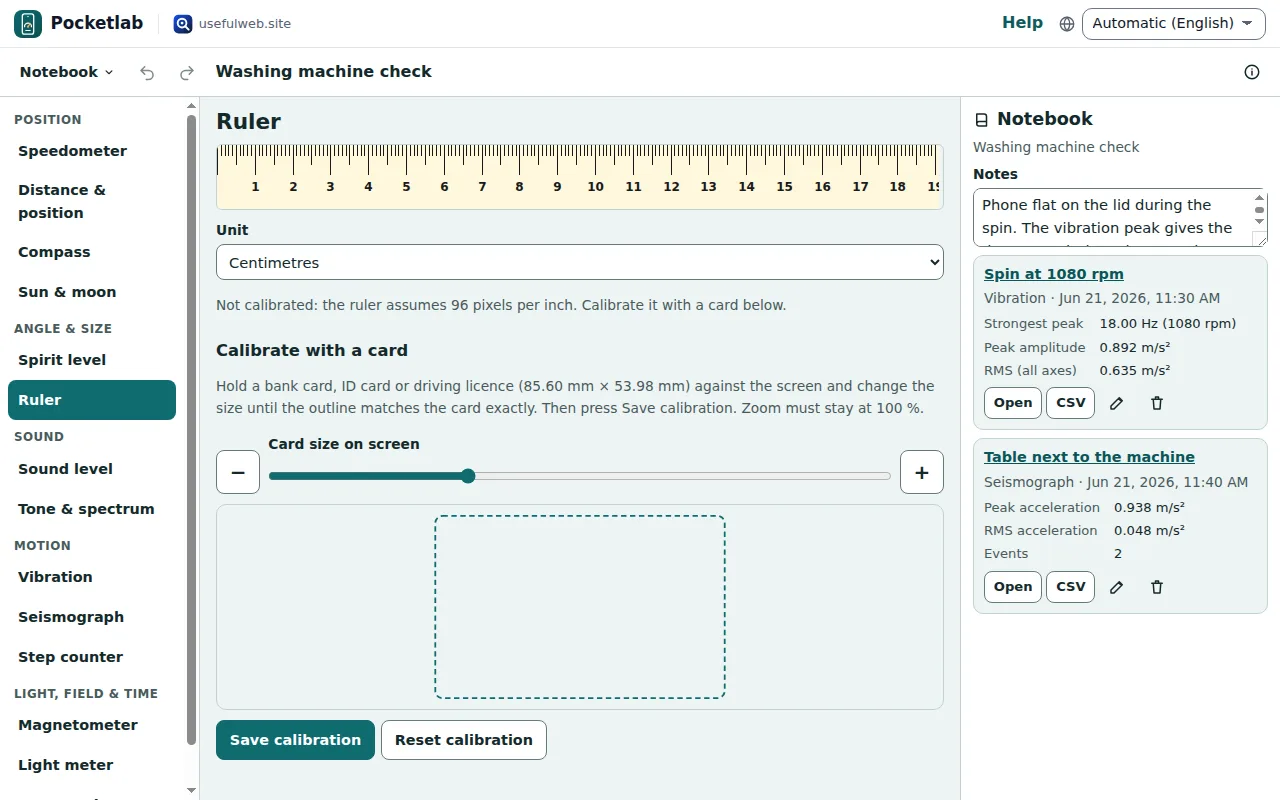
The calibration stays on this device. Keep the browser zoom at 100 %.
Stopwatch with laps
Press Start (or Space when no field has focus), Lap (or L) for each lap and Stop to pause. The table lists every lap with its split; above it you see the fastest, slowest and average lap. The stopwatch uses the browser's monotonic clock, so it keeps counting correctly when the screen sleeps. Save to notebook keeps the lap table.
Ready to try it?